

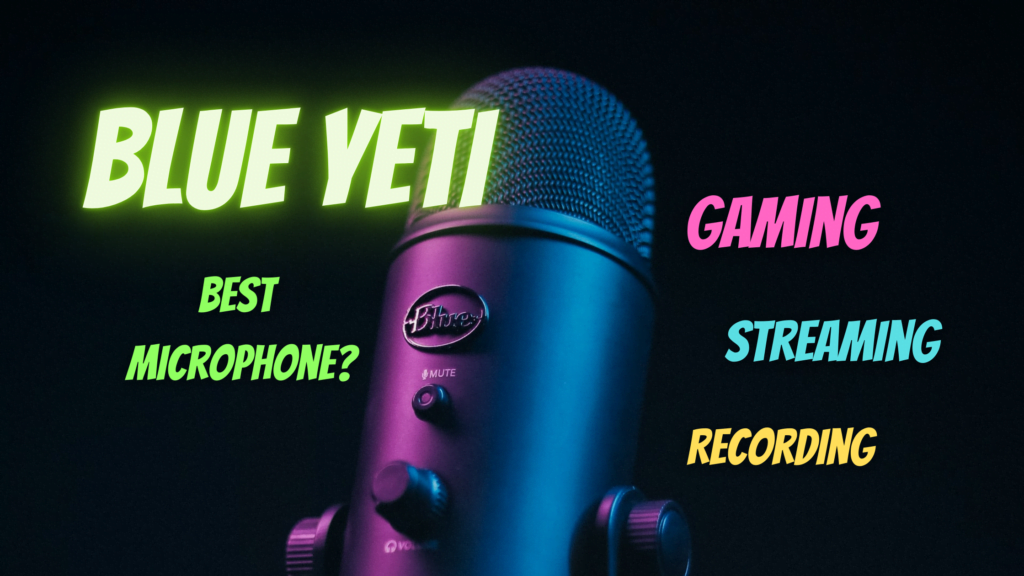
Listen to all those plebs sounding like they are stuck in a can of spam. But that's not you! No, you have the voice of a radio DJ. Your calls are strong and powerful and your voice sounds deep and ready for YouTube. You don't have a microphone. No, you have a Yeti.
The Blue Yeti Pro or Blue Yeti Nano are USB microphones that make your voice crystal clear, mute annoying background noise, and ''click-clack'' sounds from your keyboard.
A good microphone makes your streaming quality and YouTube video’s so much better. Your friends on Discord will also be amazed by its quality. The first reaction I got was ‘’Wow, you sound like talking in FullHD. That’s clear!’’
When you’re looking for a good microphone we highly recommend you getting the Blue Yeti Pro or the Blue Yeti Nano. These microphones are premium quality and will last for years. When you buy these microphones they're included with a stand. However, we recommend getting a microphone boom arm.
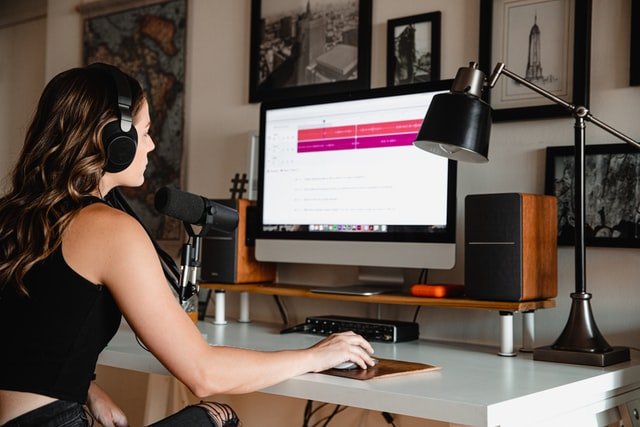
A microphone arm offers you greater convenience when speaking, recording, and streaming and it feels more professional. When you don’t use your yeti microphone, you can just move it out of your way to free up space.
Another benefit is that the microphone will be less likely to pick up any sounds from the contact surface. This way, the sound remains clear when you put a cup of coffee on your desk for example.
Further in this article, we will show you the microphone arms we recommend to you when you get the Yeti. We will also talk about the software you need, pop filters, shock mounts, and a cheaper alternative. So keep reading when you're interested!
Should you get the Blue Yeti Nano or the Blue Yeti Pro?
To help you decide, you should consider two things. The first thing is: which functions are you going to use?
The Blue Yeti Nano has 2 patterns, CardioID and OMNI.
- The CardioID Mode picks up sound directly in front of the mic. This is perfect for podcasts, game streaming, vocal performances, voice-overs, Discord calls, or instruments.
- The Omnidirectional Mode picks up sound equally from all around the mic. This is perfect for conference calls, a multi-person podcast, or when you're recording multiple instruments from different sides.

The Yeti Pro has 4 patterns. Besides the CardioID and OMNI mode, it also has a Stereo Mode and a bidirectional mode.
- The Stereo Mode lets the Yeti record well from the front and its two sides with the purpose to give the listener spatial information. With this mode, the Yeti represents your position. This can cause a mess when you move around so you probably won’t use this when recording.
- The Bidirectional Mode is focused on the front and the back of the Yeti. This means that the sensitivity is equal to the front and rear of the microphone. The bidirectional mode is perfect for interviews since it gets rid of the noise on the sides of the mic.
The second thing you have to decide is whether you want a more compact microphone or not. The Yeti Nano is much smaller in its size. We've used both microphones for several years and with both of them, you can't go wrong! We highly recommend you buy one of these.

When you decide to buy a Blue Yeti Microphone through my website, you contribute to more quality content. It won’t cost you anything extra and it helps out a lot!
Software for Blue Yeti Microphones
Let’s dive into the software. Blue Yeti designed special software for your microphone. You'll need this to see how sensitive your microphone is and to easily adjust your mic gain. The microphone sensitivity or microphone gain means how much sound it picks up.
You can download the Blue Yeti Microphone software by clicking here.
Download the Software for Windows or Mac depending on what operating system you use.
When you have the Blue Yeti Nano and you’ve opened the software, click on the Yeti Nano and you will see this.

In this software, you can easily switch between the different patterns CardioID mode and Omnidirectional mode.
You can also do this by pressing the button on the back. There will be a little light there that shows which mode you’re using. The button on the front is the mute botton. It will shine red when muted, and green when unmuted.
The playback level is there to control how loud you want your pre-recorded material to be. Pre-recorded means you’ve recorded it first and now play it back.
For the Blue Yeti Pro, it looks like this:

As you can see the options differ with both microphones. To change your pattern on the Blue Yeti Pro you have to press the button on the back.
The Direct Monitoring slider can be used to monitor the output from your Yeti. Whatever level you are sending to your recording app, using this slider lets you independently set the level you hear in your headphones. This means it’s irrespective of the setting on the Mic Gain.
When you use your PC’s internal soundcard you won’t use the Headphone Level. This option will only have an effect when you have selected the Yeti as your systems speaker. This makes the Yeti more than a microphone: it's also a sound card for your PC. The Headphone Level affects the sound you hear in your headphones plugged into the Yeti.
We’ve never used Playback Level, Headphone Level, or Direct Monitoring so you probably won’t have to use these either.
Which Blue Yeti Pattern should I Choose
The pattern you pick depends on what you’re doing with your microphone. When you're mostly recording, streaming, or talking on Discord we recommend you pick the CardioID mode for both the Blue Yeti Nano and the Blue Yeti Pro.
You have to put your microphone directly in front of you. This way the microphone perfectly picks up your voice and eliminates other noises. Your voice will be crystal clear! When this is not possible and you like moving around a bit you can switch to the omnidirectional mode that both microphones have. Then it doesn’t matter which side you’re talking from.
When you have the Blue Yeti Pro and you're doing interviews, for example, you should pick the Bidirectional mode. Do you want to give your listeners spatial awareness? Switch to the Stereo Mode. This can be used for ASMR content as well. ASMR stands for 'Autonomous Sensory Meridian Response' and gives people triggers when they hear certain sounds.
ASMRTISTS use a very high sensitivity to let the microphone pick up all kinds of sounds. This can be soft whispering, crackling fire sounds from a candle, a plastic wrap over the mic, someone brushing the mic – everything you can think of. Oh, when you are interested in doing ASMR the Blue Yeti is a great pick too!
Blue Yeti Microphone Stand, Arm Boom
The Blue Yeti comes with a stand in the box too, but for more convenience, you should consider getting a microphone arm. For example, when you put the Blue Yeti on an arm you can also adjust its height so you make sure it's perfectly in front of your mouth.
You can easily move it around, free up your desk and you won’t have a microphone standing in front of your keyboard. This is all personal preference of course but when it comes to quality, a microphone arm also eliminates more unnecessary sound. Since the microphone is mounted on an arm it won’t pick up the sound of the surface.
For the best quality microphone stand you can pick this microphone stand from Blue itself.
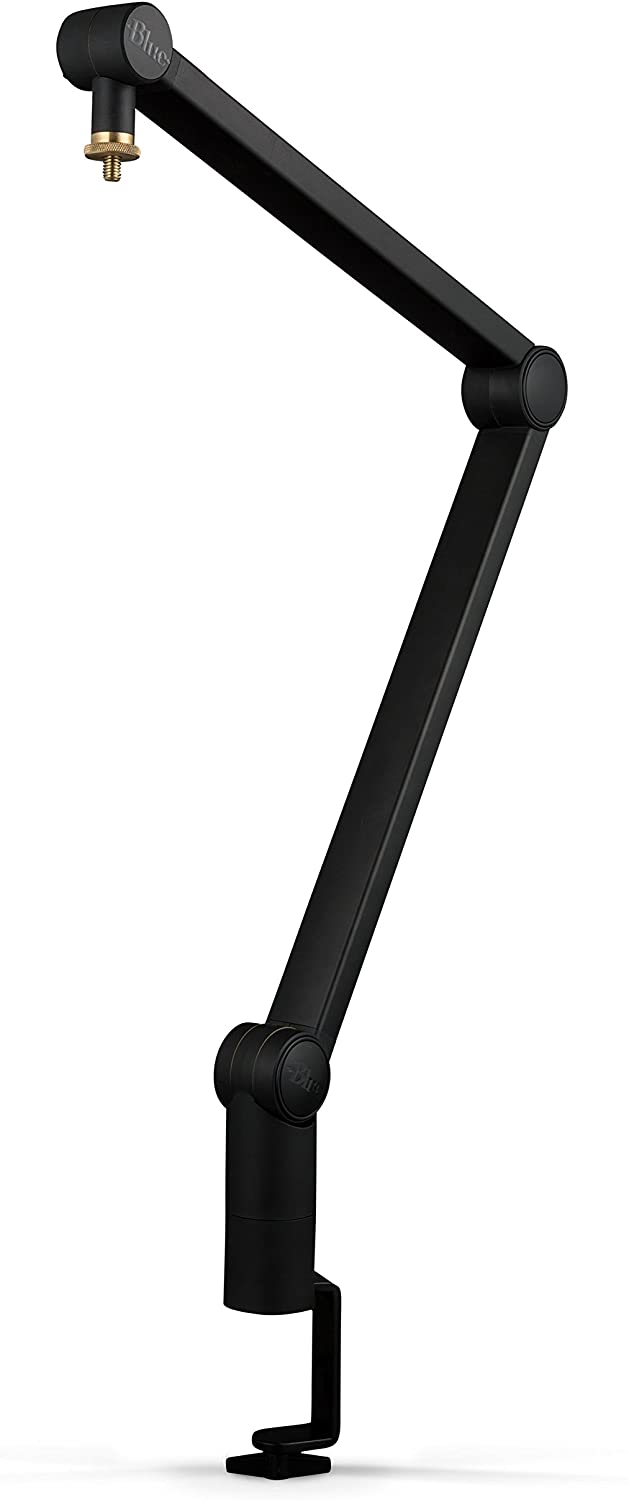
However, there are cheaper alternatives out there which are perfect for you to use too. I’m not using the official Blue Microphone Stand either.
The only thing is that the quality of other microphone arms is not that good. The arm might lose its grip over a while. I have to keep tightening and adjusting the arm once in a while – but this is not a problem for me.
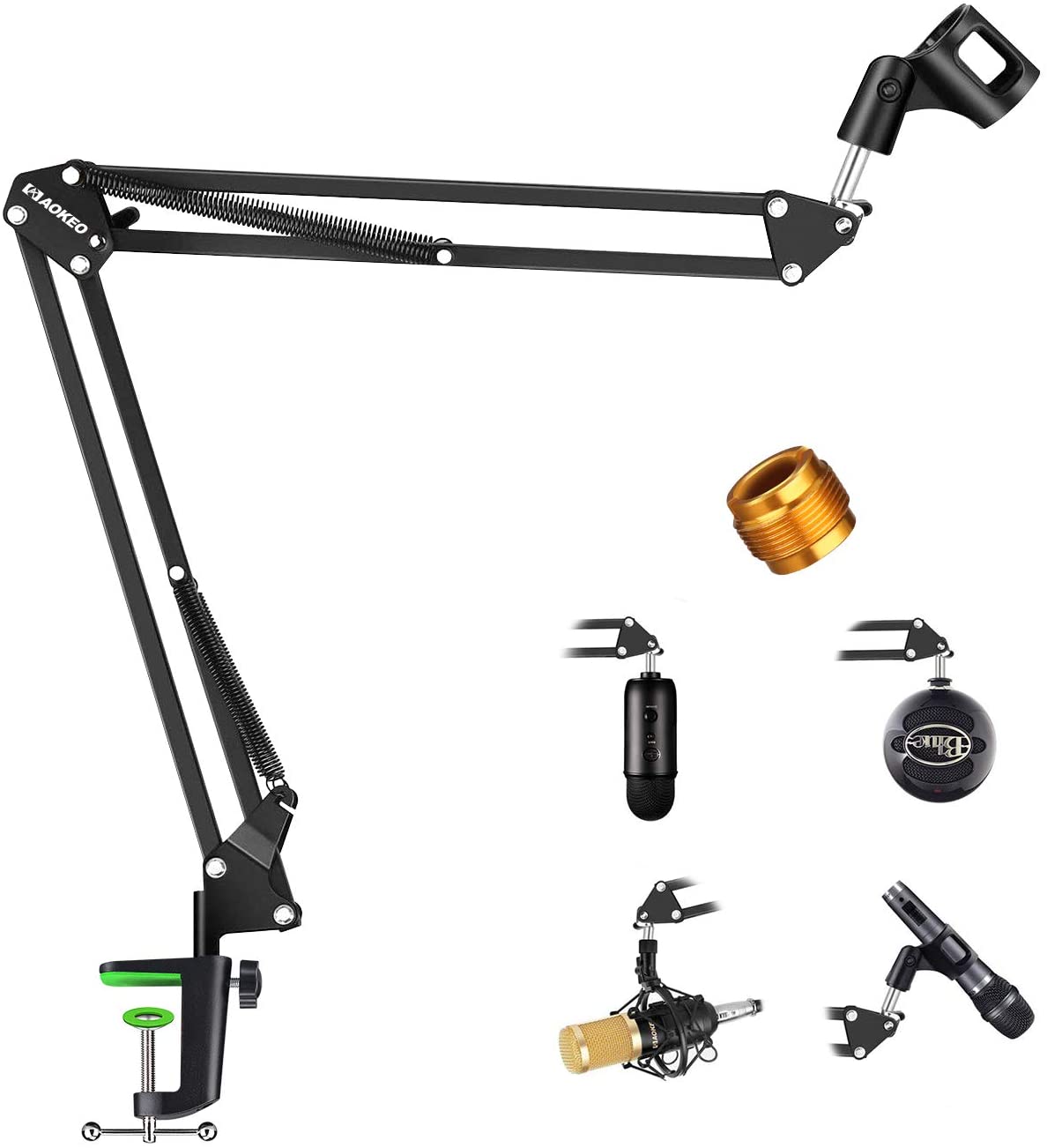
When you’re looking for a cheaper alternative, this microphone stand is perfectly fine for you to buy:
Is Shockmount necessary?
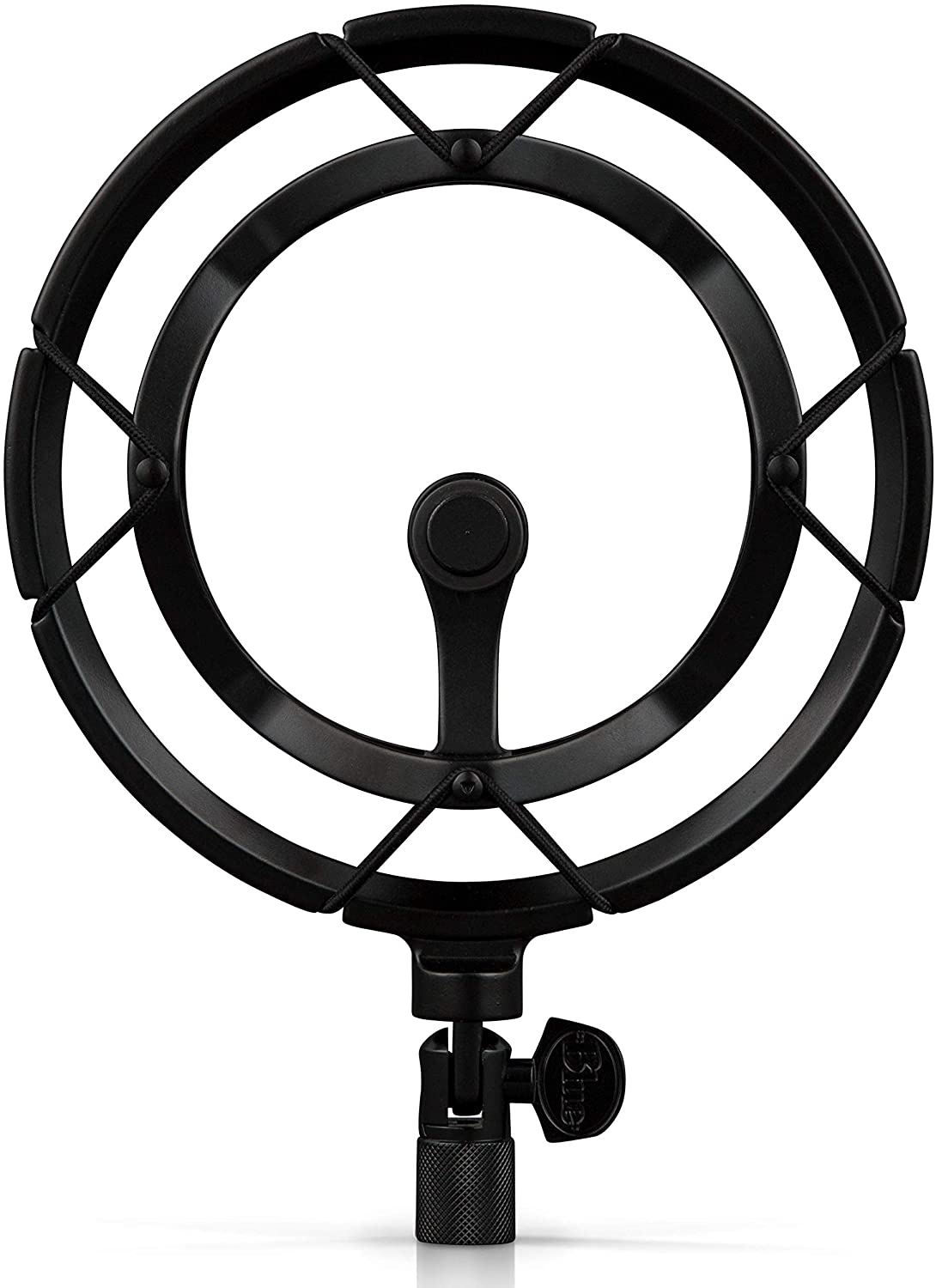
Do you like to smash your desk very hard when something goes wrong in the game? Or is your brother playing the drums close to you? Maybe you like to drum on the table sometimes. You get the point. In these cases, get a shock mount. If you don't do things that cause vibrations around the microphone then you can trust us that you're fine without a shock mount.
Here is the official shock mount we recommend that's very high quality:
Is a Pop Filter necessary?
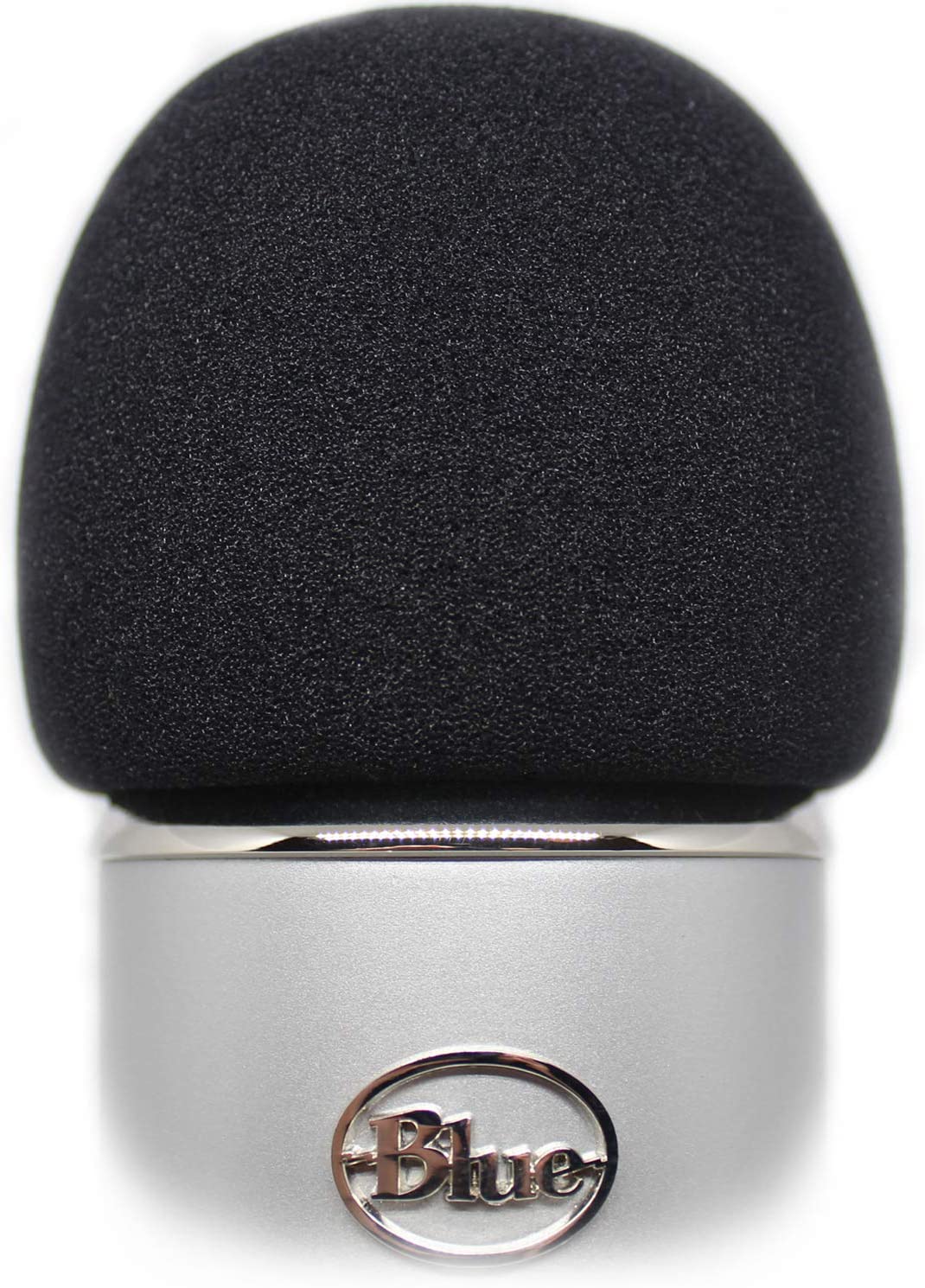
A pop filter comes in handy when you sometimes have no control of your voice. Suddenly you talk louder, scream, or rage before you know it. Of course, this is a completely normal, usually healthy human emotion. But this can cause worse quality for your recordings or frustrated listeners.
You will be more likely to need a pop filter instead of a shock mount. You can also buy the Blue Yeti microphone first and then decide if you need a pop filter later. These things are quite easy and fast to get. A good way of checking if you need one is by saying words that include the letter 'P'. Does this cause big differences in sound volume? Can your listeners be shocked by this?
A pop filter also prevents 'windy' sounds from coming into your microphone. These sounds can come from breathing or saying words with the letter 'F' for example. The overall quality of your microphone will be better by using a pop filter but before you buy one, you can also check if it's really necessary.
There are also Pop Filter Mask Shields but these are less convenient than pop filters, since they're hanging in front of you. That's why we recommend you to get this pop filter:
Cheaper Yeti Microphone Alternative: Blue Snowball Ice
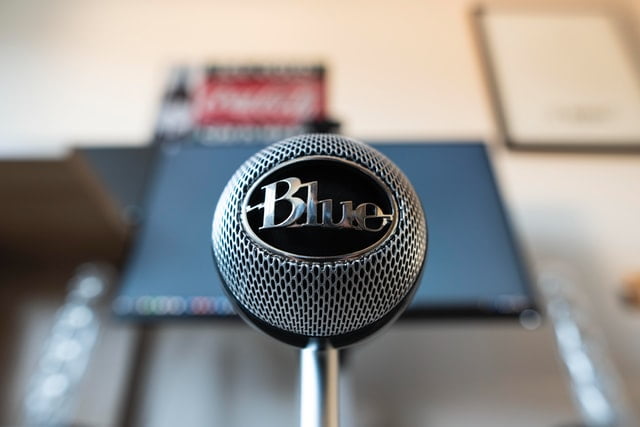
Do you still have doubts about spending that much money on a microphone like the Blue Yeti Pro or Blue Yeti Nano? Trust me, it's worth every penny but if you still prefer to get a high-value for money microphone at a lower price you can pick the Blue Snowball Ice. This is a good microphone on entry-level.
The Blue Snowball Ice is a USB microphone too that comes with a tripod so you can easily place it on your desk. You can also screw the 'ball' off and place it on the microphone stands we recommended earlier. There will be no different ways of recording yourself like the Blue Yeti with its different patterns.
You can click here to buy it:
When you’re looking for a suitable webcam for recording or streaming too, please have a look at this article and we will help you to get the right one for you!
Stay blessed,

Thank you!!1